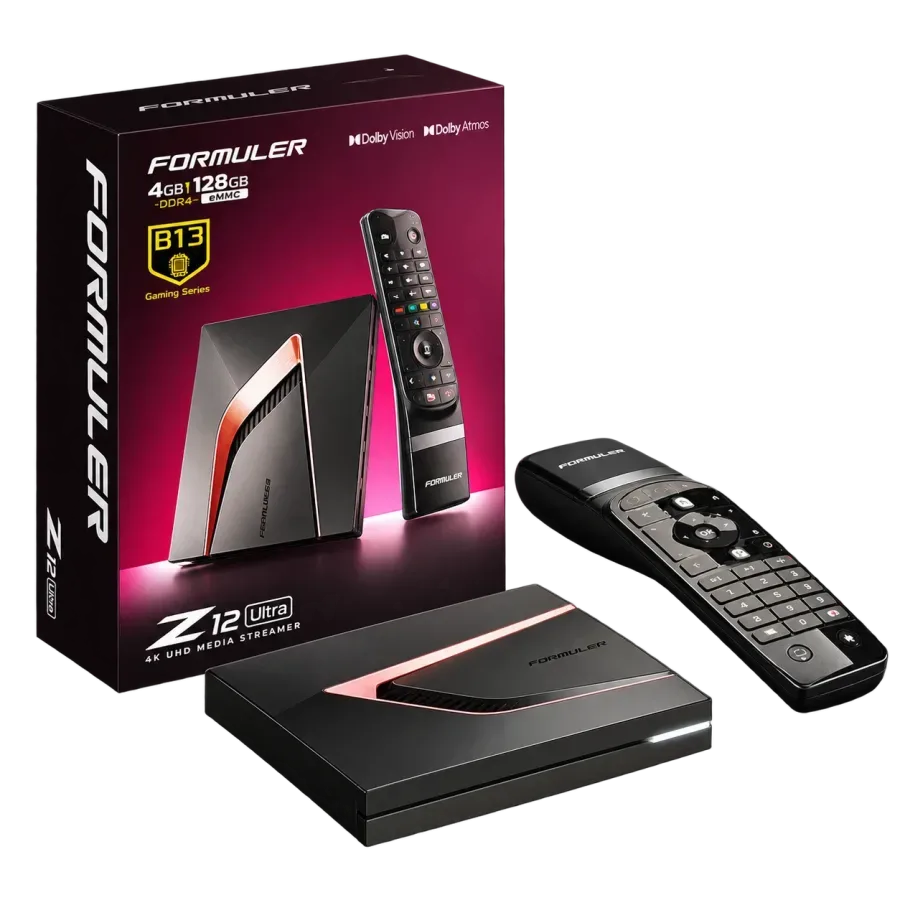
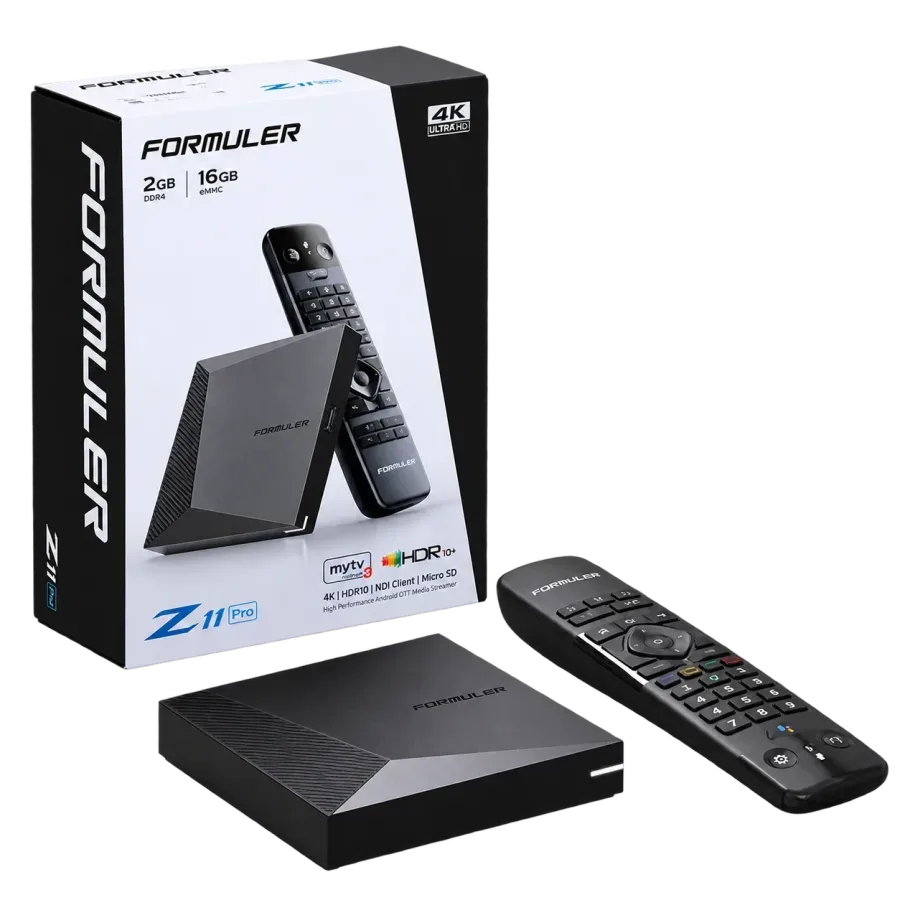
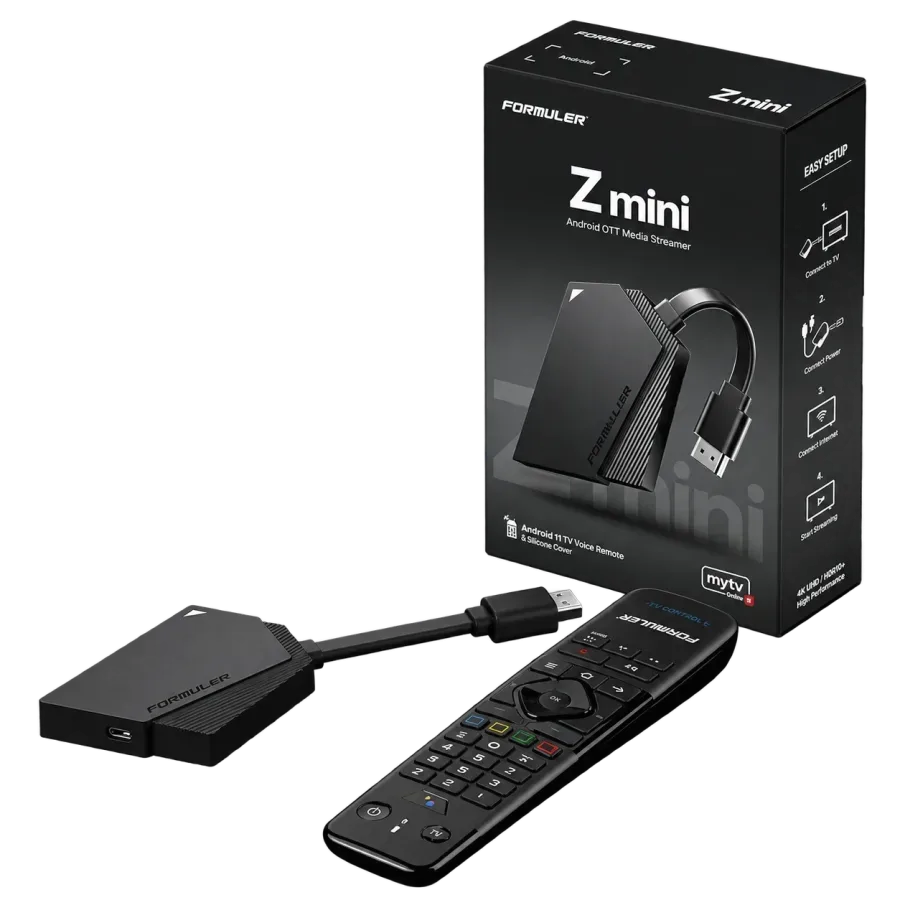
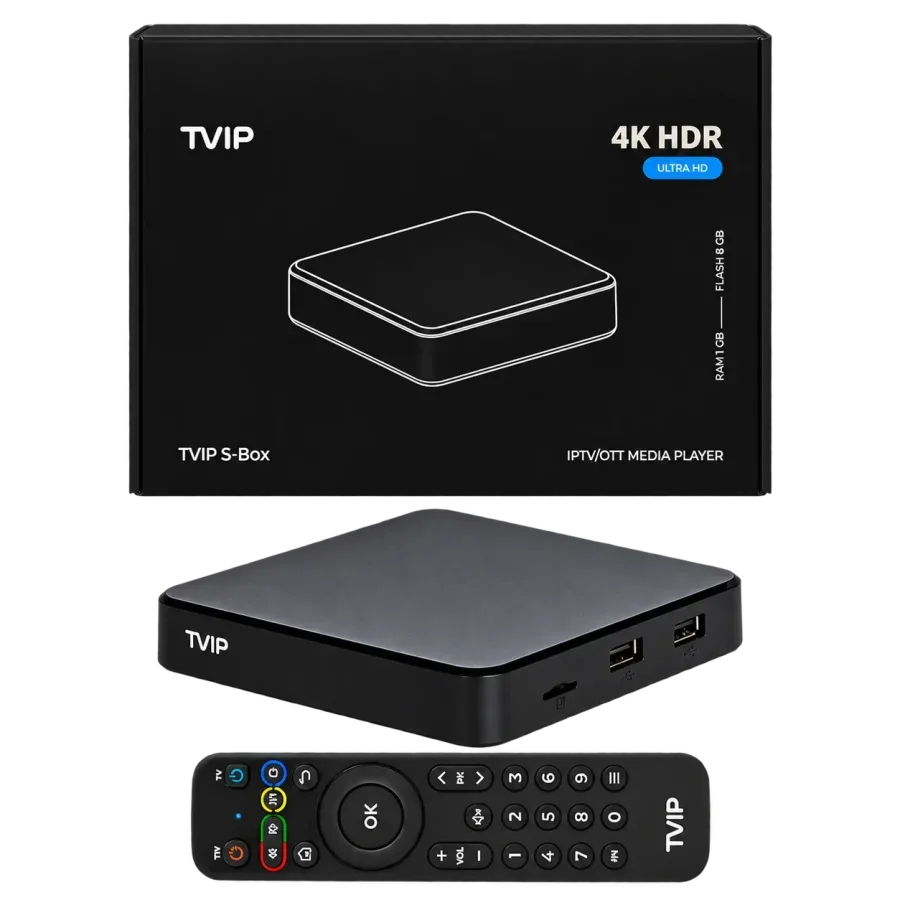
You can watch IPTV Nordic in many ways, but we strongly recommend an IPTV box. The boxes are good value and run reliably, and among our customers, those with a box have the fewest problems.
Would you rather watch another way? This is how we see the alternatives:
Android TV, such as Philips or Sony: without a box, TiviMate is the only app we recommend
Samsung, LG and others: apps directly on the TV run fine on some models and worse on others, partly due to bugs and formats (codecs) some brands cannot handle
We advise against Smart IPTV, because the app loses the channel list too often
We offer no support for MAG boxes: they are outdated and Infomir blocks IPTV
A TVIP is tied to the subscription through its MAC address. A Formuler uses a username and password instead, so it needs no MAC address.
Where to find the MAC address on a TVIP:
Underneath the box, where it usually sits
In the box's menu: Settings, then Network
It begins with 10:27
Bought the box from us?
Then you need no MAC address when you order the box.
TVIP: the box is preset when it arrives. Then send the MAC address to support and we activate it.
Formuler: the login arrives once you have bought the subscription, and you add it as a portal in MYTVOnline.
Use capital letters when you type the MAC address.
Formuler or TVIP: which one is for you?
We sell both, and both work well with IPTV Nordic. The biggest difference is how the box is linked to the subscription.
Formuler
Formuler supports 4K and is the box we recommend first.
The boxes run the MYTVOnline app. Our instructions show step by step how to add a portal.
You sign in with Xtream Codes. In MYTVOnline you add a portal, tick "Requires login" and type in the URL, username and password.
Choose Formuler to sign in with a username and password.
TVIP
TVIP is also a good choice. The TViP S.705 shows 4K Ultra HD and runs Android 11.
Our instructions cover the TViP 410, 412, 605 and 705, and how to reset the box.
Choose TVIP for a box that is linked by MAC address and arrives set up.
Box and subscription in one go
Want both a box and a subscription? Put them in the same order.
1
Choose a box
Choose the box that suits you.
2
Add a subscription
Choose the TV subscription and the length you want.
3
Pay
The checkout asks for the address the box is shipped to.
4
Get started
The subscription is delivered by email and is shown under My account. The box is shipped to your address.
Box and subscription are delivered separately: the subscription straight away by email, the box by post. See the bundles
Frequently asked questions
What our customers ask most often before they order
My box has arrived. What now?
With a Formuler you received your login by email straight after the order: add it as a portal in MYTVOnline as the setup guide shows. With a TVIP, send us the box's MAC address and we will activate it.
How fast an internet connection do I need?
At least 30 Mbit/s. Test your speed on weekday evenings and at weekends, when many connections are at their busiest. Connect the box or TV with a network cable if you can: on wifi the picture can stutter even when the speed is enough.
Do you match prices on the same product?
Yes. If you find the same product from the same supplier at a lower price from another retailer, we match it:
Check that it is exactly the same model from the same supplier.
Send us a link or an advert showing the lower price.
Once we have checked it, we adjust the price of your order.
We would like to use Google Analytics to understand how the site is used. It sets cookies and sends visit data to Google. Nothing is sent until you accept. Privacy policy